Read the full article at AskVG.com

via AskVG https://ift.tt/334DUS5

In the past, we used to have shelves and libraries at home, a large number of books which was a headache to organize many things, who believed it would be replaced by a small phone? And now, In the modern age today, where conventional books were replaced with E-books, which is very effective in terms of reading books. You don’t need large space and related problems. This big step has minimized so many problems and now we don’t have to walk for and look for a book.
If you are into reading books, then today I am going to introduce 5 Android apps which offer thousands of free books to read.
If you read books and stories and you want to explore more into books then check out this app it actually works like a social media, where you can find any type of book, their ratings, and see what other people like about these books. You can post, save and add books to watch-list in your profile and many other small features.

You can add notes and highlights and you can scan book covers to read the online reviews about the books.
Probably the simplest one to use, upon opening up you will get the vast genre of books in which you are interested, after selecting your favorite one you will get thousands of recommendations accordingly, works totally on your interests and you can post statuses and see reviews too. You can add ‘watch later’, follow people of similar interests and much more.

It also awards you different badges on completing different tasks.
It also has some similar features like a large verity of books on any topic you might like, in news feed, you can have popular books series all time and top trending topics, it also customizes categories accordingly, plus you can search your book by author name and you can browse for more options. you can have a kind of virtual bookshelf in this app which allows you to keep books you have read or for future concerns.

It has different languages, so pick your language and enjoy reading books.
This is a must app for all the book readers because it not only offers a large number of books in every category but also very deep verity on every interesting topic. You can search an item, see the ratings, create your own lists, take notes, highlighting the phrases, and bookmark, etc. You can also read academic-related books which can cover your assignments and projects and also magazines, documents, sheet music, audiobooks, and latest news.
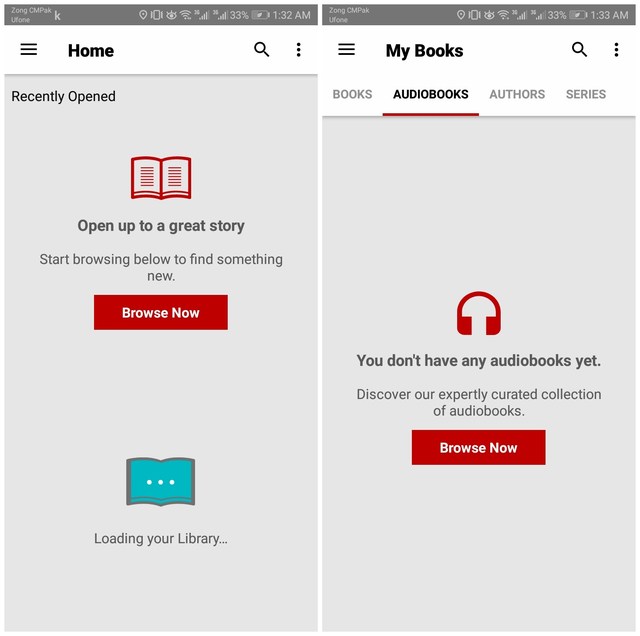
Kobo offers popular top 50 e-books around the world in the news feed which keeps updated time to time. This app is very similar to the above apps but this one feature that is ‘audiobooks’ which is not offered by many apps. And the rest features are pretty much the same as the above apps like book searching, shelf, your interests, bookmarks, etc.
It has another unique feature which is that it shows your statistics and analytics of reading per unit through which you can see in how many minutes you finish a page, paragraph, and a book.
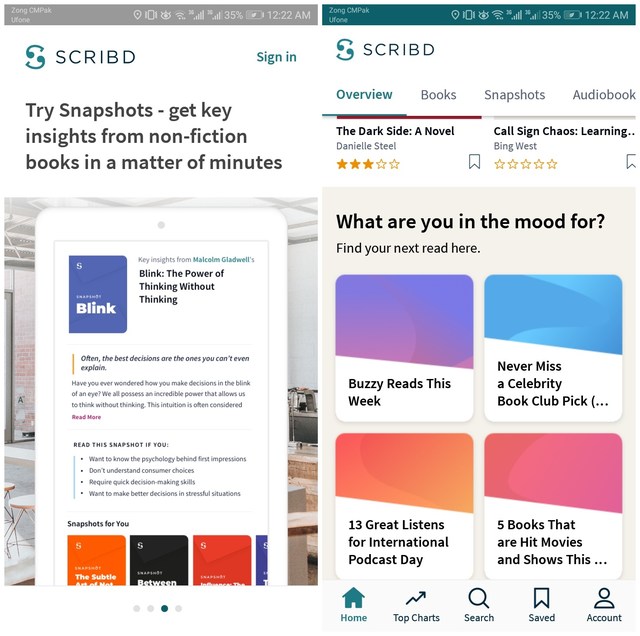
Scribd is a very useful app when it comes to a deep verity of books. There are many book-reading apps for Android but these five are the best ones and totally free. With these apps, books are just a click away from you. What do you feel about these book reading apps? Let us know in the comment section.
The post 5 Book Reading Android Apps To Read and Manage Books For Free appeared first on Gtricks.


There was a time when we needed the help of third-party apps to switch and manage multiple Gmail accounts. However, now you can easily manage multiple Gmail accounts in the same interface and switch between them with just two taps. What if I told you that you can make the account switching process even faster? Yes, instead of taping on your account icon at the top-right corner and selecting an account, you can also swipe to quickly switch your account. Here’s how it works:
All you need to do is swipe upward on your profile icon at the top-right corner to switch to the next account in the list. You can also swipe downward to access the last account in the list, or simply move back to the previous account after switching.
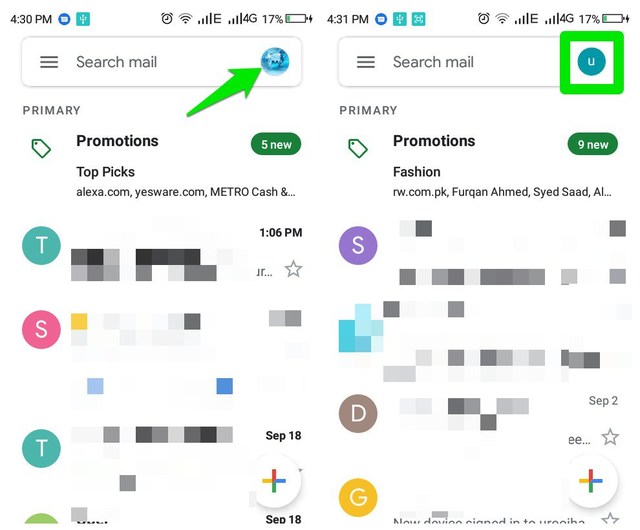
The switch happens almost instantly, and it’s much faster than opening the menu and then selecting the account. However, if you have too many accounts logged in at a time, then swipe could be a bit slower as you need to swipe multiple times to reach a specific account. In that case, simply tapping and selecting the required account is still better.
So what do you think about this neat feature to quickly switch accounts in Gmail with a swipe? Do share your thoughts in the comments below.
The post How To Quickly Switch Accounts in The Gmail App (Quick Tip) appeared first on Gtricks.


