Read the full article at AskVG.com

via AskVG https://ift.tt/31hjDbf
Google Play Store offers a verity of Applications ranging from Entertainment and Gaming to Education Apps, providing that the smartphone can also be a “teacher”. Education apps help one enhance more in academics, the learning experience of human is on the next level since the last decade. Since these apps were introduced, problems one has faced previously has been eliminated.
Today I will introduce 5 education apps for Android which can be of your great help in your research, your homework, or assignment.
Are you stuck in a math equation? or maybe you want to learn some topic for homework, then you should opt for this. Socratic App will solve your math equations by taking a picture of the question and it will solve the rest providing a step-by-step solution. This App is not just limited to math, even put a chemistry or geography question and it will recognize the words and provide your answers up-to-the-mark so you can score well in your assignment. It also has a very friendly teaching content on the App.
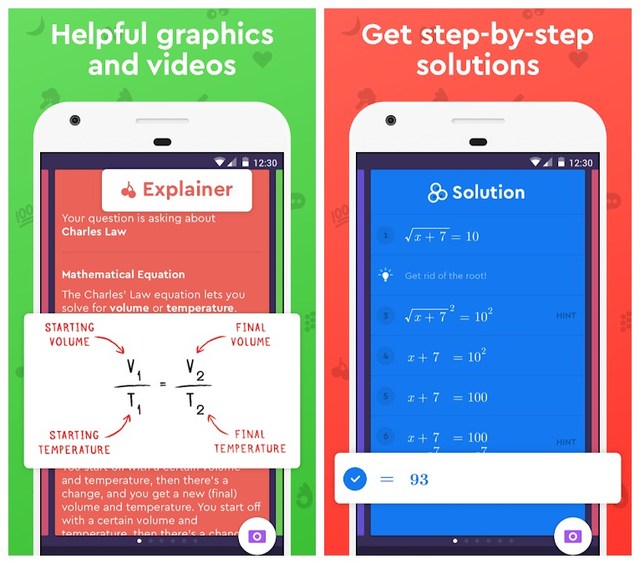
I myself have used it many times when I had a problem in academics, it’s pretty handy in making your assignments. The app is improving with new updates regularly, if you may want a good experience of easy learning go with Socratic.
This math-solution app has very vast features in this, what it actually does is you point the camera at the question and it comes with a solution after recognizing the question. It shows you a step-by-step answer so you can understand the concepts, and then it will show you animation which will answer the ‘How’. It comes with a defined calculator so if you do not have the question in hand you can type your question in this calculator.
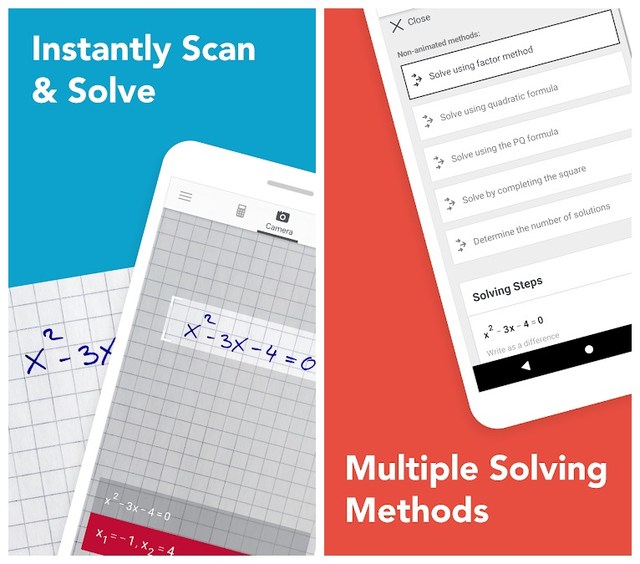
This Photomath App is limited to only Math and works pretty good when it comes to making your assignments or working for the exams.
As it tag-line says ‘for students, by students’ it solely suits this App, Brainly app is a full package where you can find students as tutors, what actually happens is that you post a question and it will be correctly answered by a number of students in minutes, or if you know answers you can answer someone’s questions. it doesn’t matter if its a maths question or your chemistry question, just post it and get your answer.
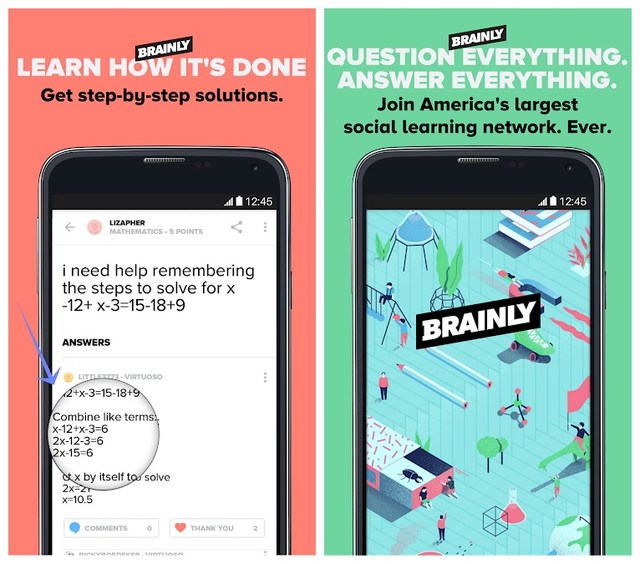
It also has the option of camera pointing, it can really be your teacher in making assignments or anything related to academics, works more smoother than the previous ones.
If you are talking about every aspect of a career that a student needs to cover, from Primary to Masters, from academic principals to interview preparations, then you must be talking about Khan Academy. Yes, Student can have direct access to any course of any grade, test preparations, interview preparation, college admission, book readings, careers, etc. Khan Academy also includes some shorts stories and creative things like poems for kids.
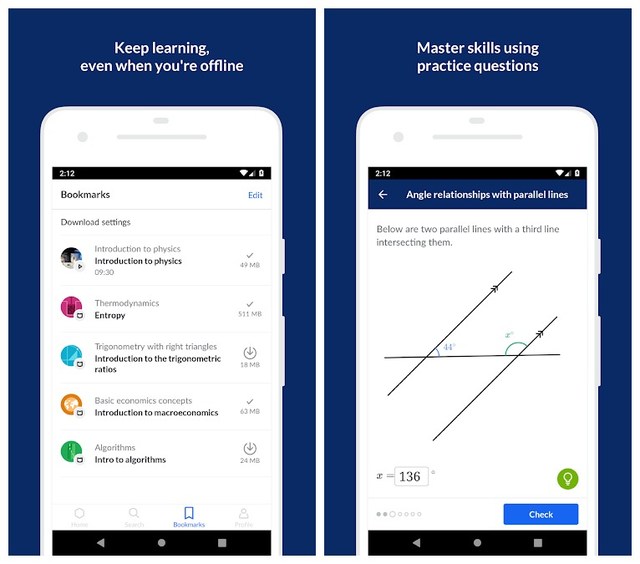
Student can have good learning experience because it offers every subject needed from the first day one entered school to the last day of Masters. This unique App has a number of attributes which no other app offers. Simply All-in-one.
If you want to learn photography, Freelancing or you want to Master Music with a little knowledge of Video editing then you have come to the right place. It actually comes with a video episode you will watch to complete a course. You search the classes you are looking for and you find the content.
Skillshare is a complete guide to the art classes which you can benefit from the actual courses, this kind of subjects are rarely taught in colleges that is the competitive advantage.
I recommend to study online for the best solutions from a number of people is way better than the traditional way of learning. Online studies and homework are very widely used these days, we hire tutors online and we learn through different apps online. There are some Apps which even award you certificates on the completion of a course.
The post 5 Android Education Apps To Help You With Your Homework appeared first on Gtricks.


Google introduced Gmail add-ons at the end of 2017 to improve your email experience. At the time, there weren’t many add-ons worth looking at, but now there are dozens of add-ons to choose from. These add-ons work in the cloud without any local installation on your PC, and you can use them from anywhere you like as long as you can access your Gmail account.
Today, I am going to introduce 5 Gmail add-ons that you will surely find useful whether you are an individual or a small business owner.
If you have an online store and use Google Analytics, then Analytics Buddy can be of great help. Analytics Buddy helps create meaningful data out of your unorganized data. It will automatically track the order number in your Gmail order confirmation emails and match it with Google Analytics data to show all the important data right inside Gmail.

You can then use that data to craft a personal email for the customer or simply provide more information for better customer experience.
Having problems working up with your leads? Don’t worry now you can easily engage your leads to convert them into customers. Want to know how? This tool can actually help you make and personalize the video you want to send to your potential customers. You can make catchy phrases to grab their attention, this process can increase the flow of sales funnel, so make your creative videos now and grab your sales.
It also lets your personalize videos by adding a custom name or company name that may attract the recipient to open the email.
Tired of organizing important emails and attachments? The workplace is always a headache when it comes to organizing things especially your important emails including attachments. If that’s the case, then Smartsheet can make your life a whole lot easier. It lets you organize emails in a spreadsheet row including the attachments and the body of the email.

You can also import your Google contacts on to this which allows you to share them with your contacts. Using this add-on you can organize important emails in a single spreadsheet and collaborate on them with your colleagues.
The option of video chat and voice chat over email is kind of new, it is so time-consuming in the workplace or anywhere to send an email which could be settled in voice or video call in seconds, so this extension is here to help. It comes with an option to call over your email to connect you directly rather than sitting and writing an email, it’s pretty handy and easy to use, just add it to your email and enjoy calling.

As Gmail natively doesn’t offer a way to make audio or video calls while emailing, Zoom is definitely a blessing for those who prefer these quick methods of communication.
This add-on is specifically made for Gsuite users to protect emails under a domain against malware and phishing attacks and recall sent emails. ToggleBox keeps track of the malware and other dangerous viruses and deletes it when it’s detected. Not only that but it can also delete all the emails under a domain by a specified date, keywords, and recipients.

Furthermore, it also lets you recall your sent messages under the same domain. The recalled message will be deleted from the recipient’s mailbox and you can do this without the help of the administrator.
Zoom and Smarsheet are my favorite Gmail add-ons, and they really make email management and interaction with clients a breeze. Other than these, there are many more add-ons for Gmail that you may find useful. Just go to this Gmail add-ons page and find the one you like.
The post 5 Gmail Add-ons To Simplify Your Email Experience appeared first on Gtricks.


